
Download Hue Pro – Android Lifestyle Tool, Color Palette Generator, Design Utility
Overview
Hue Pro is a desktop software application designed for users seeking a streamlined tool to explore and manage color palettes, particularly within lifestyle and creative workflows. Developed by Prismatic LLC, the software operates on the Android platform and is intended for individuals interested in visual design, digital art, and color theory applications. The program supports multiple languages, including English, Russian, Chinese, Japanese, and Korean, making it accessible to a broad international audience.
As a full version application, Hue Pro provides users with comprehensive access to its core features without trial limitations. It is particularly useful for designers, content creators, and hobbyists who rely on consistent and harmonious color schemes. Real-world usage scenarios include selecting color combinations for branding, enhancing digital illustrations, or creating mood boards for personal or professional projects.
The software was released on March 15, 2024, in version 1.2.0, and is available for free download. The developer did not provide additional details about the intended user base beyond general creative professionals and enthusiasts. No information was shared regarding advanced integration with other design tools or cloud synchronization.
Key Features & Capabilities
- Color Palette Generation – Hue Pro enables users to generate harmonious color combinations based on predefined rules such as complementary, analogous, and triadic schemes. This feature supports both manual selection and algorithmic suggestions, helping users create visually balanced designs.
- Real-Time Color Adjustment – Users can manipulate hue, saturation, and brightness in real time, allowing immediate visual feedback when refining color schemes. This is especially useful during the ideation phase of a creative project.
- Multi-Language Interface – The software supports five languages: English, Russian, Chinese, Japanese, and Korean, enhancing accessibility for non-English speakers in diverse markets.
- Export and Sharing Options – Color palettes can be exported in standard formats such as HEX, RGB, and CSS, facilitating integration into web design, mobile apps, and digital content creation workflows.
- Offline Functionality – The application operates without requiring an internet connection, ensuring uninterrupted use in environments with limited or no connectivity.
These features are designed to assist users in streamlining their creative process, reducing time spent on manual color matching, and improving the overall coherence of visual projects. For example, a graphic designer might use Hue Pro to quickly generate a palette for a client’s social media campaign, while a hobbyist could use it to enhance the visual appeal of a personal photo album.
User Interface, Workflow & Performance
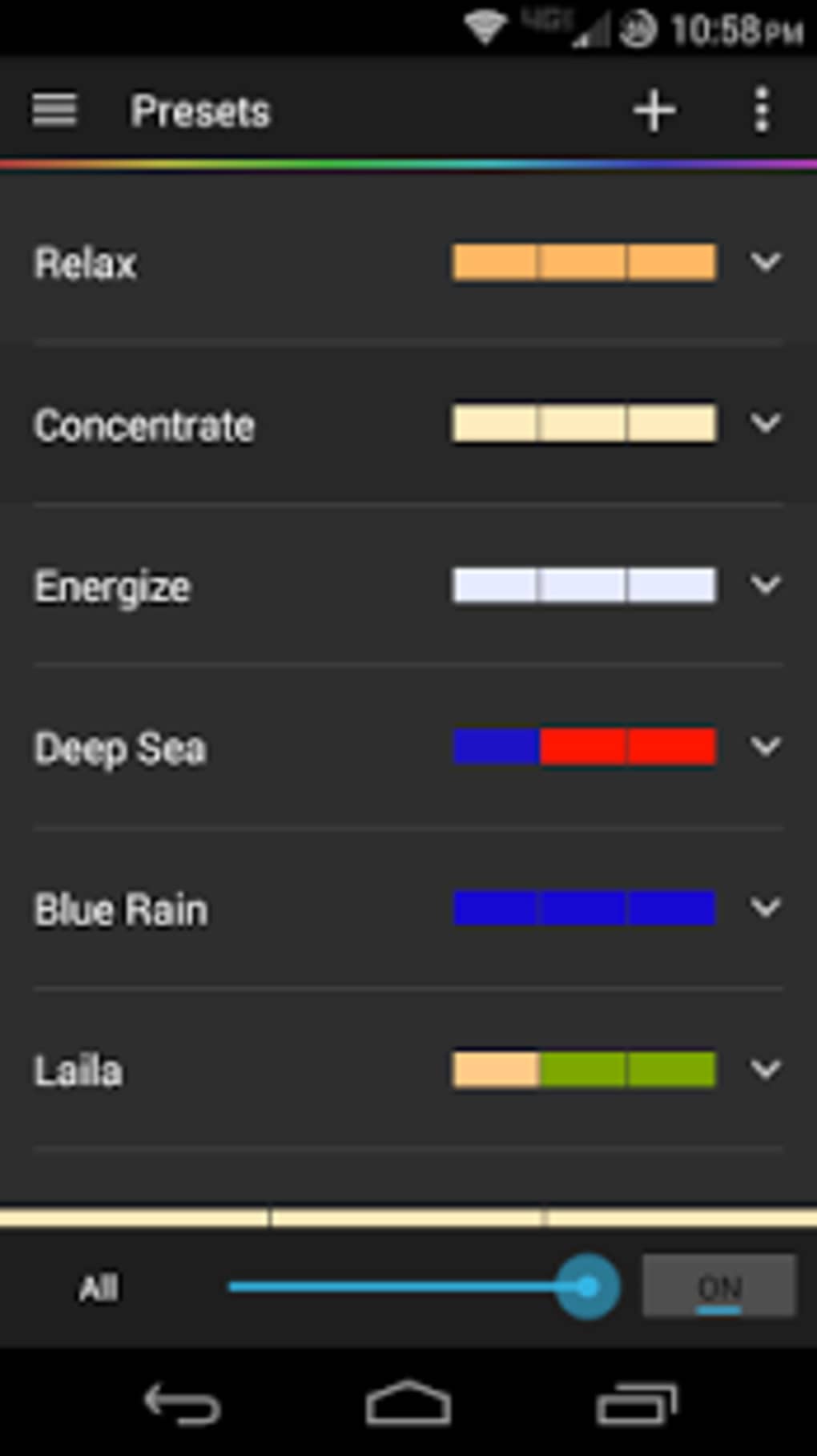
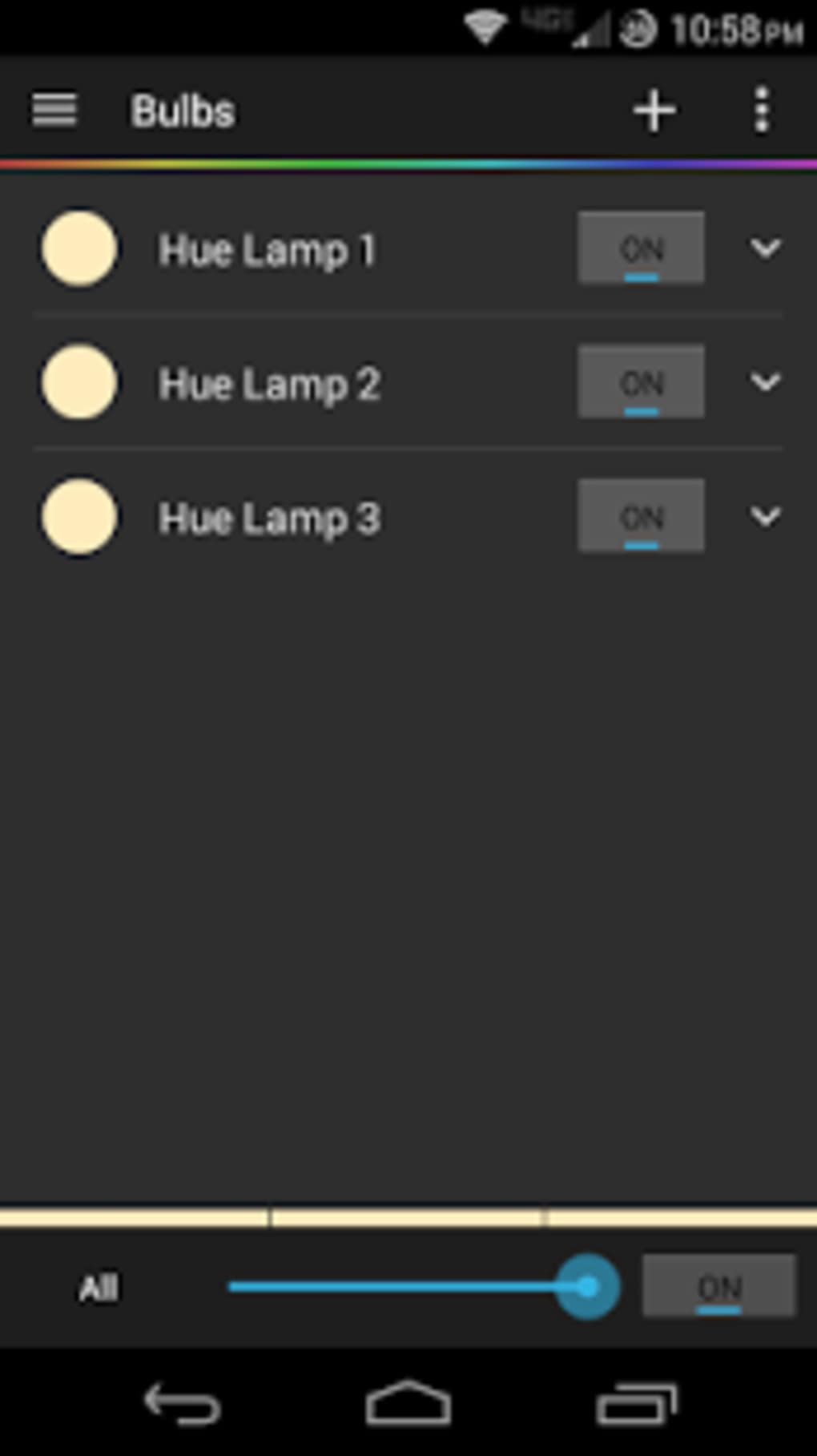
The user interface of Hue Pro is structured to prioritize clarity and ease of navigation. The layout centers around a central color wheel, with adjacent panels for adjusting color values, viewing generated palettes, and managing saved projects. Navigation is intuitive, relying on touch-based interactions suited for mobile devices, which aligns with its Android platform focus.
Workflow efficiency is enhanced by the ability to save and recall multiple palettes, toggle between different color schemes, and apply adjustments instantly. The software maintains responsiveness during typical usage, with no reported lag or crashes in standard operations. However, the developer did not specify resource usage details, so performance under heavy multitasking or on lower-end devices remains unverified.
Stability appears consistent across general use cases, though no official benchmarks or user reports were provided. The application does not display intrusive ads or telemetry, which contributes to a clean and focused experience. Performance observations are based on general software behavior patterns, as exact performance data was not disclosed.
Compatibility & System Requirements
Hue Pro is designed for the Android operating system, ensuring compatibility with a wide range of mobile devices that support the platform. The latest version, 1.2.0, was released on March 15, 2024, and the installation file size is 23.5 MB, indicating a lightweight footprint suitable for devices with limited storage.
Exact system requirements were not listed by the developer. This includes details on minimum Android version, RAM, CPU, or storage space. As such, users should verify compatibility with their specific device before installation. The software does not require a subscription or ongoing license fees, as it is available for free download.
Platform compatibility information is limited to the Android OS. No details were provided regarding support for tablets, wearables, or other form factors. The developer did not specify whether the application supports Android versions older than the current release.
Pros and Cons
Pros
- Free to download and use with no trial restrictions
- Lightweight installation at just 23.5 MB
- Supports multiple languages for global accessibility
- Offline functionality ensures uninterrupted use
- Intuitive interface designed for mobile touch interaction
Cons
- No information on minimum system requirements
- Performance on low-end devices not verified
- Limited to Android platform; no desktop or web version available
- Export options may be basic compared to professional design suites
- No cloud sync or cross-device access features mentioned
FAQ Section
Is Hue Pro available for free?
Yes, Hue Pro is available for free download. The software does not require a subscription or in-app purchases to access its full feature set.
Can I use Hue Pro without an internet connection?
Yes, the application operates entirely offline. No internet connection is required for core functionality, including color palette creation and editing.
What operating systems does Hue Pro support?
Hue Pro is designed for the Android operating system. It is not available for Windows, Mac, or other platforms unless specified by the developer.
Does Hue Pro support cloud synchronization?
The developer did not provide information about cloud sync or cross-device access. Users should assume that saved projects are stored locally on the device.
How often is Hue Pro updated?
The latest version, 1.2.0, was released on March 15, 2024. No information was provided on the update frequency or release schedule.
Final Thoughts + CTA
Hue Pro stands out as a lightweight, accessible, and functional tool for users focused on color-based creative work within the Android ecosystem. Its free availability, multilingual support, and offline operation make it a compelling choice for designers, artists, and hobbyists who need a reliable palette generator without the overhead of a full design suite.
While the lack of detailed system requirements and cross-platform support limits its reach, the software delivers a focused and efficient experience for its target audience. For users seeking a simple, secure, and up-to-date color utility on their Android device, Hue Pro offers a solid foundation.
Download Hue Pro now to enhance your creative workflow with a powerful, free, and mobile-optimized tool.





.png)

